Save Time With Our Easy Prescription Refill Service
Quick Refill
Use Quick Refill if you want to refill one prescription without signing in.
How it works:
- Click Quick Refill
- Enter your prescription number and basic information
- Click Order to submit
That’s it! Your refill request is sent directly to the pharmacy.
Best for:
- Fast refills
- Patients who don’t have login details
- One prescription at a time
Login: View Your Profile & Refill Multiple Prescriptions
Logging in lets you manage all your prescriptions in one place.
How it works:
- Click Login
- Enter your card number and PIN provided by your pharmacist
- View your active prescriptions
- Select one or more items to refill
- Click Order to submit
Success! Your refill request has been submitted through your personal account.
Best for:
- Refilling multiple prescriptions
- Viewing current medications
- Ongoing prescription management
Send New Rx (Upload a Prescription Image)
Have a new prescription from your doctor? You can send it online.
No login required.
How it works:
- Click Send New Rx
- Upload a clear photo or scan of your prescription
- Review the details
- Click Order to submit
Your prescription will be securely received and prepared by the pharmacy.
Best for:
- New prescriptions
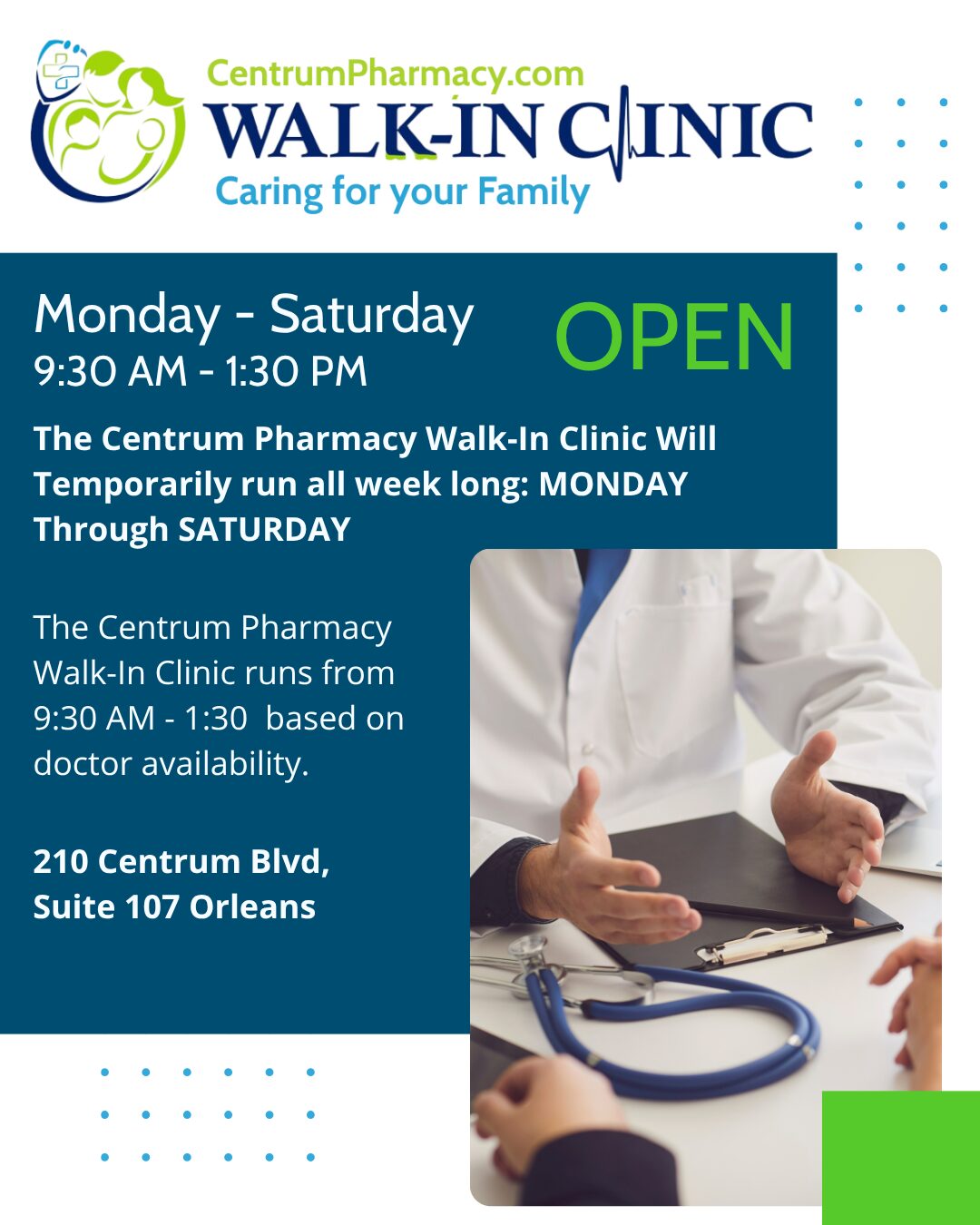
- Doctor or walk-in clinic visits
- Caregivers sending prescriptions on someone’s behalf